 Resale Record
Price check
Check what similar items recently sold for on eBay before you buy or list, and prepare a listing from a comparable with List one like this.
An asking price tells you what a seller hopes for. A sold price tells you what a buyer paid. Price check looks at recently sold items on eBay, not at active listings, so overpriced listings that never sell do not skew the answer.
Run a price check#
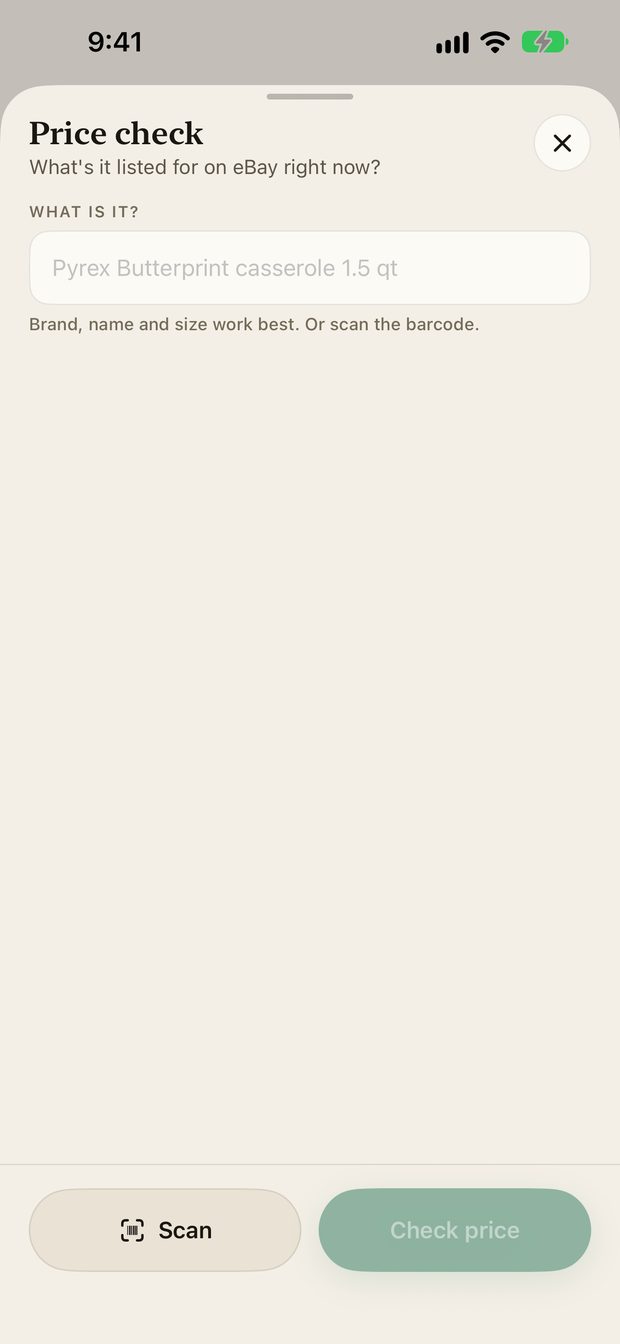
- Tap Capture and choose Price check, or open an item and use its price check.
- Type what it is, or tap Scan to read the barcode. Brand, name and size work best.
- Tap Check price.
When to use it#
- Before you buy. Standing at a shelf, check the comps and decide whether the item clears your margin.
- Before you list. Price from evidence instead of copying a seller whose listing has sat for months.
- When something stalls. For items that have sat in the Pile, the comps show whether the market moved.
List one like this#
If you have connected eBay, List one like this prepares a new listing from a comparable. Nothing is published until you confirm it, so you can change the title, price and details first. See Listings.
Something missing or out of date? Email support@resalerecord.com and tell us what you expected to see.