 Resale Record
Expenses
Record business expenses such as supplies, fees, storage and software, scan a receipt, and see monthly subtotals and the total for the year.
Expenses are money out: supplies, fees, storage, booth rentals and the like. They are listed by month, with a subtotal for each month and a total for the year.
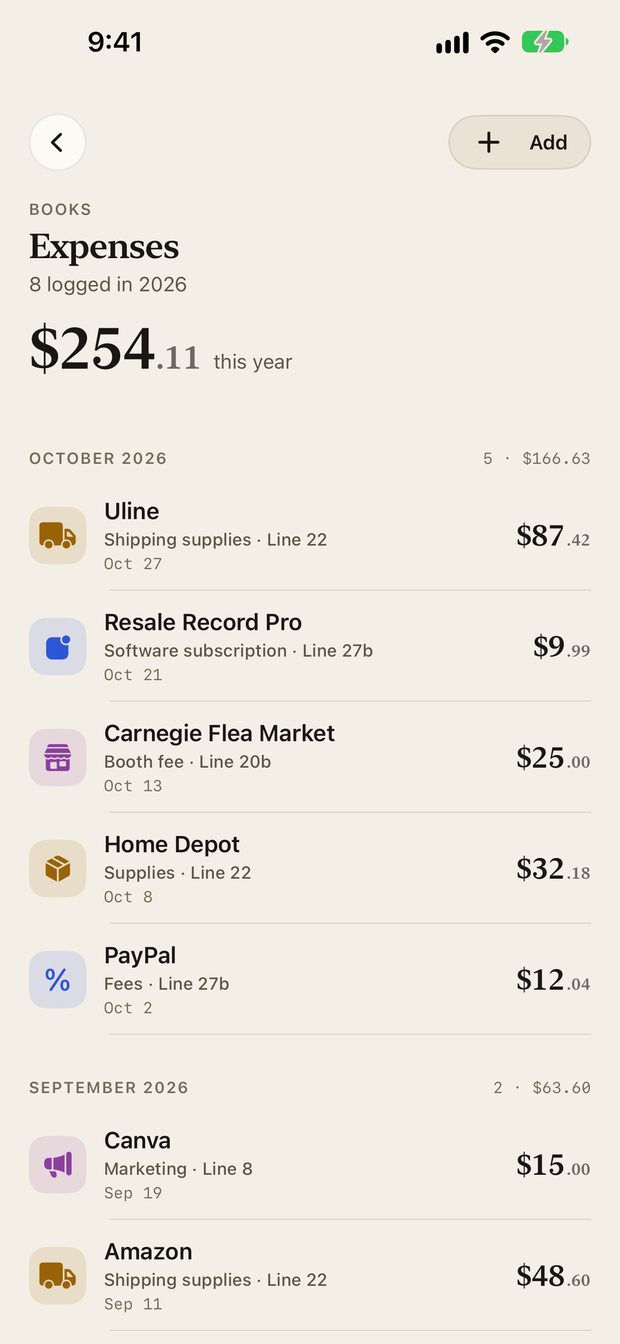
Add an expense#
Tap Add on the Expenses screen, or Capture, Expense.
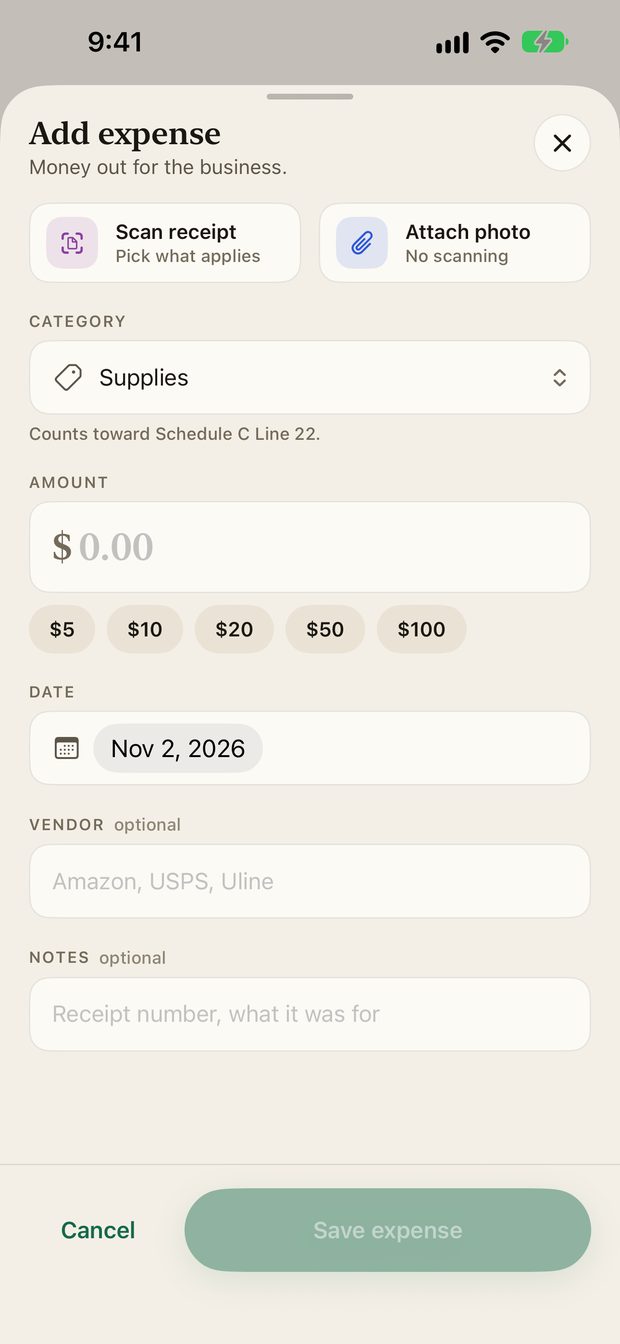
- Optionally scan a receipt or attach a photo.
- Choose a category. The form shows which Schedule C line it counts toward.
- Enter the amount and the date.
- Add a vendor and notes if you like, then save.
Scan a receipt#
Scan receipt reads a photo of a receipt and fills in the form. Attach photo saves the image without reading it. Receipt reading is one of the optional AI features, so the app asks permission before the first use.
Edit or delete#
Tap an expense to edit it. Swipe to delete, with a confirmation.
For which expenses resellers commonly claim, see Tax deductions for eBay resellers.
Something missing or out of date? Email support@resalerecord.com and tell us what you expected to see.