 Resale Record
Automatic mileage tracking for thrift and sourcing trips
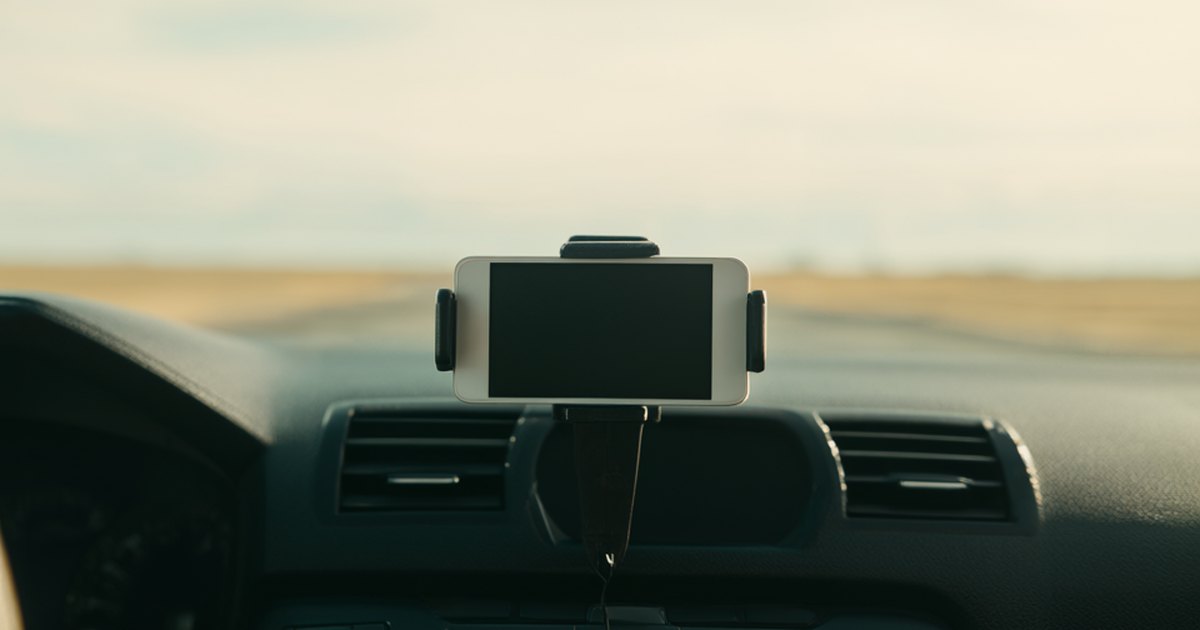
Mileage is the deduction resellers miss most, because it is the record you cannot rebuild afterwards. A pickup can be reconstructed from a receipt. A drive to six thrift stores in March cannot.
One control
The Books tab has a big start and stop control. Start it when you leave to source, stop it when you are done. While the trip runs, the app records the distance with GPS and keeps a running deduction for the year.
Business and personal
Each trip has a classification. Personal trips never count toward the deduction. That matters, because a log that mixes everything together is harder to defend than one that separates the two.
What the IRS expects
A good log has the date, where you went, why and how far. Resale Record records each trip's distance by GPS and classifies it as business or personal; check the IRS requirements for the rest. We deliberately do not quote a per-mile rate in the app or here, because the IRS publishes it and it can change. Use the current figure from the IRS standard mileage rates page, and ask your preparer whether the standard rate or actual expenses suits you.
Privacy
Location is only used while the app is open and a trip is running or being logged. Mileage reminders are optional local notifications, and you can turn them off in iOS Settings.
Habits that work
- Start the trip at the door, not at the first store.
- Stop it when you are home, so the return leg is included.
- Classify the trip while you still remember it.
The full explanation of what makes a log hold up is in How to keep a mileage log for reselling. The app side is in Books and taxes.
Keep your resale books in one place
Resale Record logs pickups, tracks sales, mileage and expenses, and has your Schedule C export ready at tax time. It is on Google Play for Android, and in a private beta on TestFlight for iPhone and iPad.